TL;DR
IFRS 9 impairment spreadsheet risk grows as loan volumes, data sources, and regulatory scrutiny climb. This guide shows why spreadsheets break under IFRS 9 pressure, from manual data integration and formula drift to missing audit trails and scaling limits. You will see how IFRS 9 impairment calculation actually works across PD, LGD, and staging, and why automating credit loss models delivers consistent, auditable results. Still on spreadsheets? Read this before your next month-end close.
Spreadsheets have run accounting and finance for 40 years. They are familiar, flexible, and sitting on every laptop already. But once you are managing IFRS 9 impairment calculations for a loan book that keeps growing, that familiarity turns into a liability. The numbers get bigger.
The deadlines get tighter. The regulators ask harder questions. And one quarter you realise the spreadsheet stopped being a tool and became a control risk.
Here is the part most teams underestimate. In 2025, plenty of banks still run expected credit loss on spreadsheets, which struggles badly with the data volume IFRS 9 demands at every reporting date, according to a study from KPMG.
So this is not a theoretical worry. It is real, it is measurable, and it grows every quarter.
What makes IFRS 9 impairment spreadsheet risk so slippery is that it rarely comes from one broken cell. It builds from the pile-up of manual workflows, disconnected data sources, and the absence of any automated audit trail. Let’s break down where spreadsheets actually fail, and what works instead.
What Is IFRS 9 Impairment and Why Spreadsheets Fail
IFRS 9 asks you to book expected credit losses before a customer ever defaults. You are not waiting for proof of loss. You are estimating it upfront from forward-looking information, historical trends, and economic scenarios.
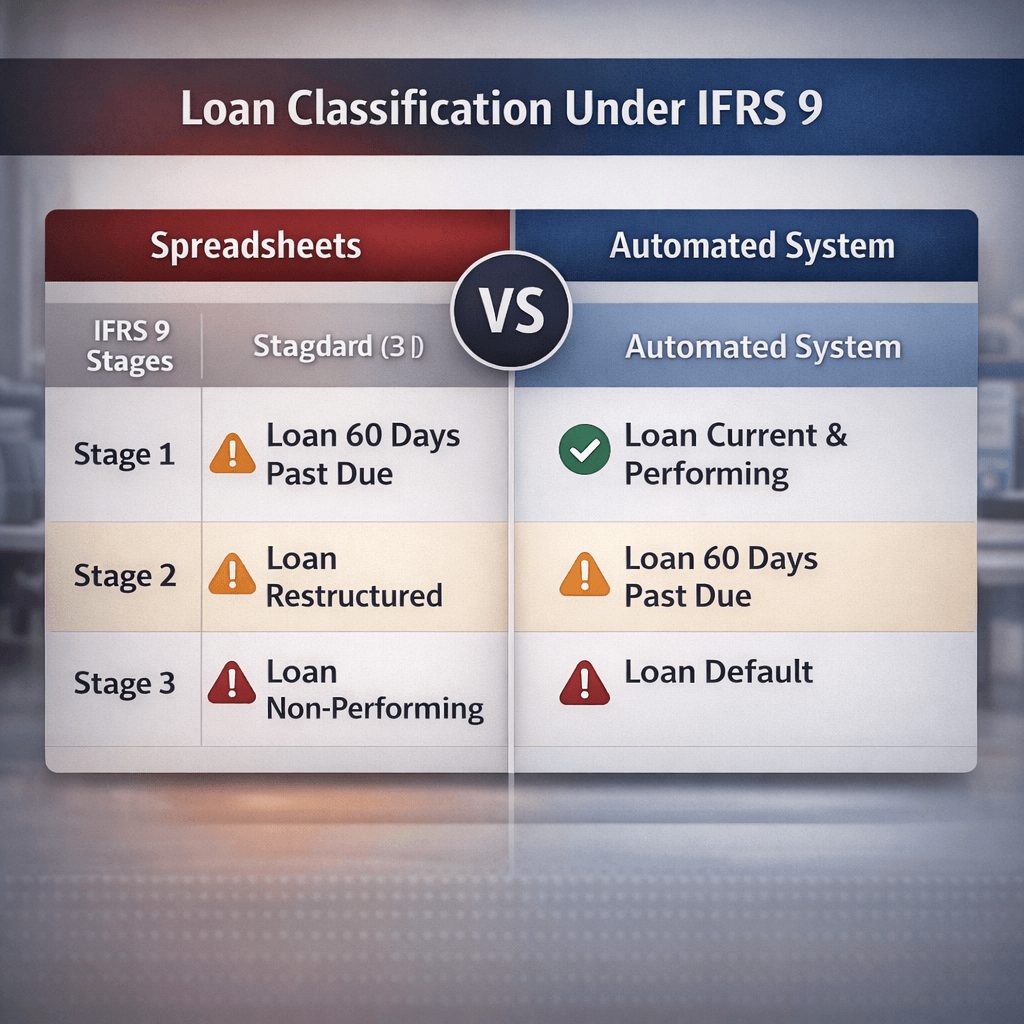
That move from incurred loss to expected credit loss rewired how banks account for credit risk. Stage 1 assets carry a 12-month ECL estimate. Second stage assets carry lifetime ECL once credit quality drops. Last stage assets have defaulted and need specific impairment calculations. If you want the full mechanics, see our breakdown of IFRS 9 compliance process architecture.
This is where spreadsheets start to crack.
Spreadsheets live in isolation. Loan data sits in one system. Economic scenario data lives in another. Your PD and LGD models might be spread across three tabs owned by three different people. When month-end comes and you need all of it in one place, you are pulling data by hand, copying formulas, reconciling by eye. Every manual step is a fresh chance to get it wrong.
The thing that really bites is control. IFRS 9 impairment calculation needs documented methodology, repeatable assumptions, and audit-ready trails. A spreadsheet cannot deliver that reliably, month after month.
And it gets worse with overlays. Post-model adjustments often get applied in yet another spreadsheet, separate from the main model, which splinters your calculation logic and hands you reconciliation headaches, according to Deloitte.
So the spreadsheet becomes a black box. You can read the final number. Proving how you got there is a different story, and auditors ask exactly that.
IFRS 9 Impairment Spreadsheet Risk: Key Control Gaps
Spreadsheet-based IFRS 9 impairment calculation opens up five specific control failures. Some hurt more than others.
Data Integration Complexity
Your loan portfolio lives in the core banking system. Credit scores update in the risk platform. Macro forecasts arrive from an outside vendor. Collateral valuations sit in their own database. A spreadsheet cannot pull live data from all four at once. So you import stale snapshots or you key it in by hand, and now you own both the delay and the typo.
Formula Drift
A formula in column C works out PD. Six months on, someone tweaks it for a new credit strategy. They skip the version note. Next quarter a colleague copies the old version. Your numbers quietly diverge, and nobody spots it until audit season when nothing reconciles.
Lack of Scalability
A spreadsheet copes fine with 5,000 loan accounts. Push it to 50,000 and recalculation crawls from minutes to hours. Now you are running ECL overnight, intra-month adjustments become impractical, and reporting slips.
Audit Trail Absence
When an auditor asks who changed the PD assumption, and when, a spreadsheet shrugs. You might have file-history breadcrumbs. You do not have a timestamp, a named user, or a documented reason.
Manual Reconciliation Burden
You run ECL in the spreadsheet. You check it against the core system. They disagree. Now you have two days to work out why: formula error, data lag, a whole loan cohort that went missing. All of that diagnostic work is manual, and it lands at the worst possible time in the close.
How Automation Improves IFRS 9 Impairment Accuracy
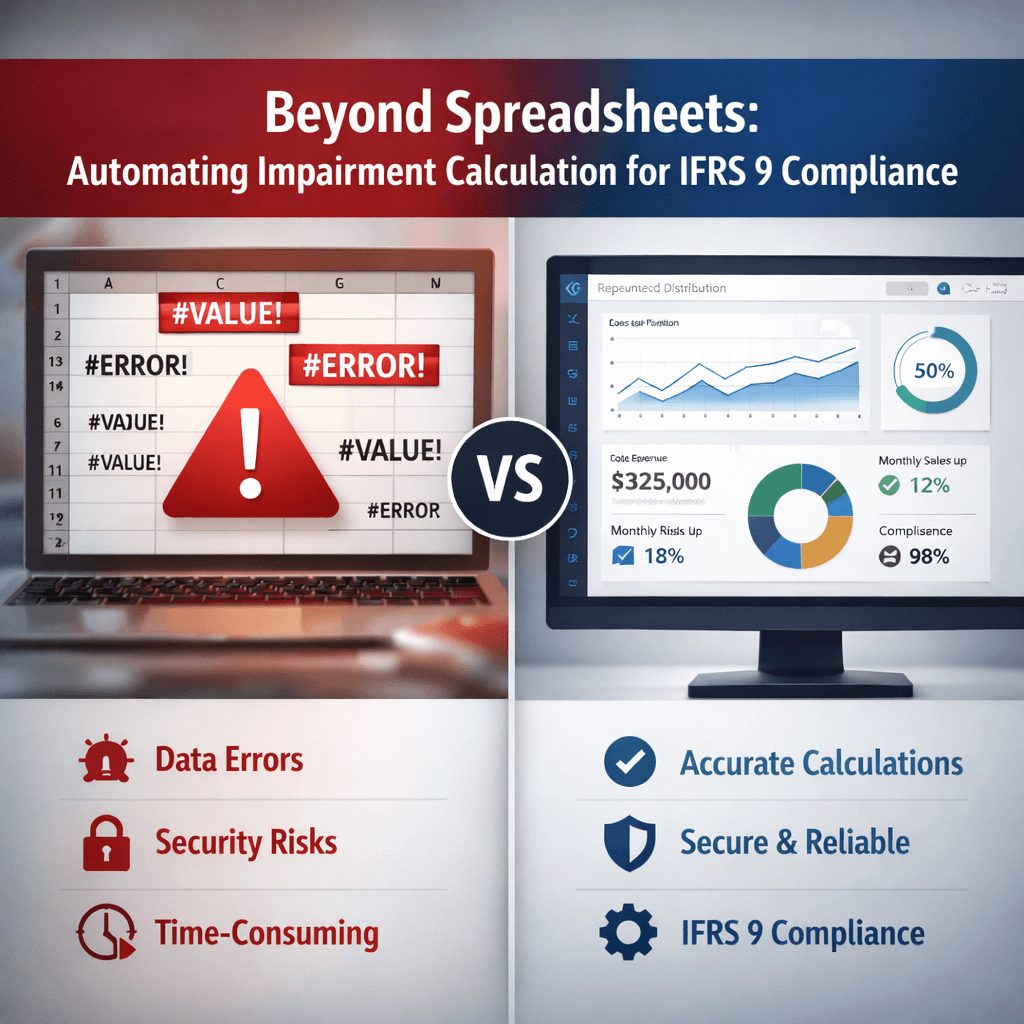
Purpose-built IFRS 9 automation platforms take each of those five failures head-on. Here is what actually changes.
First, they integrate data at the source. Instead of importing exports, the system connects straight to your core platform, your risk systems, and your economic data vendors at once.
When rates move, your scenario assumptions update on their own. When a loan is booked, it flows into the ECL model with nobody touching it.
Second, they hold the calculation steady. Methodology is locked into configuration. Everyone works out PD, LGD, and exposure at default off the same formula. No drift, no shadow versions, no surprises.
Third, they cope with scale. A modern cloud system runs ECL for 500,000 accounts in the time a spreadsheet needs for 50,000. You can run sensitivity analysis on demand and test a policy change before you commit to it.
Fourth, they build the audit trail as they go. Every calculation is timestamped, assumption is logged, override carries a user ID, a timestamp, and a business reason. When auditors review your ECL methodology, you hand over a complete trail instead of a fortnight of forensic reconstruction.
Fifth, they cut reconciliation friction. Your core system and your ECL engine talk to each other, so gaps surface straight away and trace back to a root cause, whether that is a data lag, a formula difference, or a methodology variance. This is the same discipline we cover in our guide to IFRS 9 impairment modeling tools.
Consistency pays off at the regulatory capital level too. When banks in Jordan adopted IFRS 9, their capital-to-assets ratio rose 0.3%, equity ratios fell 1.14%, and loan-to-assets ratios dropped 2.91%, which shows what uniform application does across a portfolio, per research published by Business Perspectives.
Rust IFRS 9
Want to see how Rust handles your ECL scenario end to end? Book a free product demo.
No obligation · Live walkthrough · GCC, Europe & APAC
IFRS 9 Impairment Models Explained (ECL, PD, LGD, EIR)
Once you see how the components of IFRS 9 ECL fit together, the case for automation gets obvious.
What Is Expected Credit Loss (ECL)?
Expected credit loss is your forward-looking estimate of what you will lose on a loan portfolio. You get it by multiplying probability of default, loss given default, and exposure at default.
The formula looks simple: ECL = PD × LGD × EAD. Running it reliably across thousands of loans and several economic scenarios is anything but.
What Does EIR Mean in IFRS 9?
The effective interest rate is the rate baked into the loan contract. It drives how you accrete interest income and how you recognise ECL charges. When you calculate ECL, EIR sets the timing of the future cash flows you are estimating.
How PD and LGD Drive Impairment Results
Probability of default is the chance a borrower misses payment inside 12 months (Stage 1) or over the loan’s life (Stages 2 and 3). Loss given default is the slice of outstanding principal you lose once the borrower defaults and collateral recovery runs dry.
These two do most of the work. Small moves in PD or LGD swing impairment out of proportion, which is why documented, repeatable, auditable calculation of both matters so much.
A spreadsheet makes it hard to see how those numbers were produced. An automated system shows you which borrower moved to which stage, which PD formula fired, and which LGD scenario applied. For a deeper look at collective and individual impairment approaches, see our post on the hidden audit risks in IFRS 9 spreadsheets.
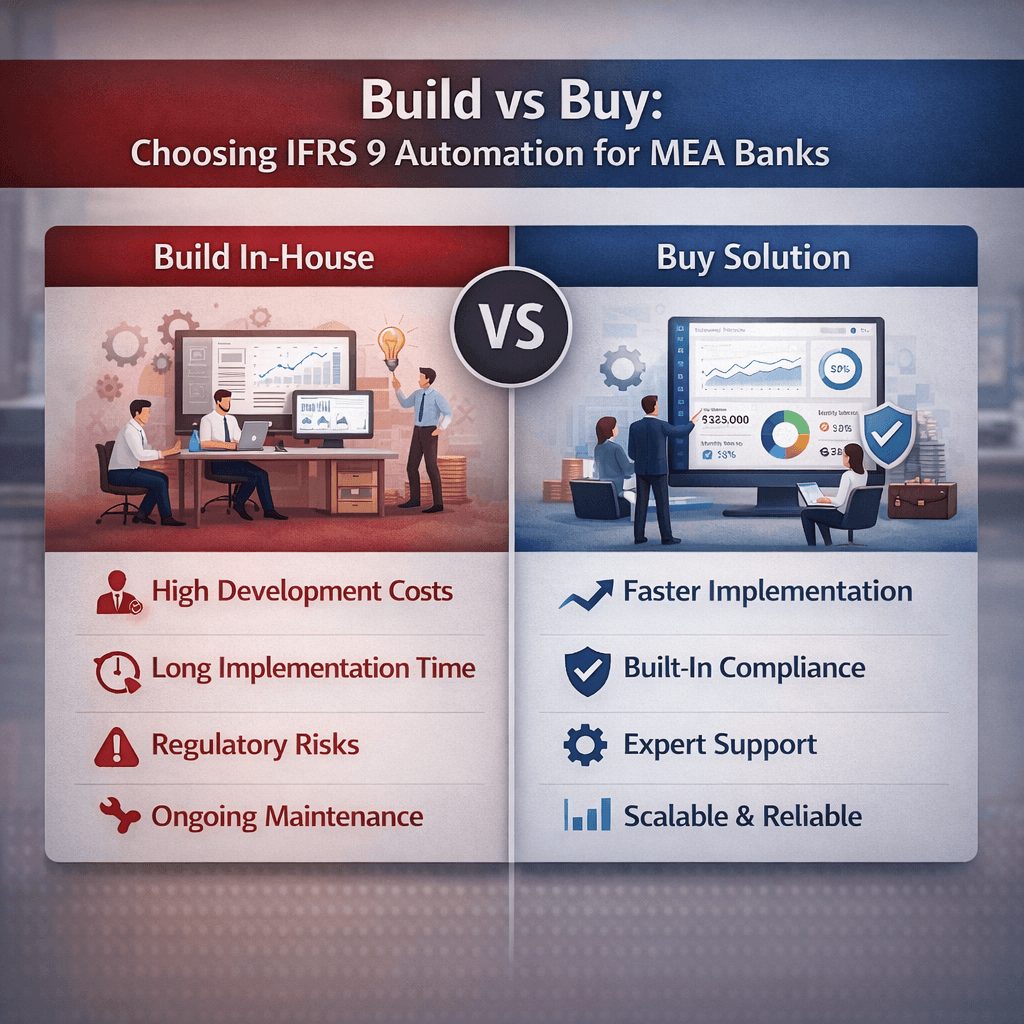
Build vs Buy: Choosing IFRS 9 Automation for MEA Banks
Say you have decided to move past spreadsheets. The next question is almost always the same: build a custom system, or buy a vendor solution?
Building in-house buys you customisation, but it costs 6 to 18 months, heavy IT resources, and ongoing maintenance as the rules change. You pay salaries, dev tooling, and infrastructure the whole way.
Buying a vendor platform ships in 3 to 6 months, comes with modeling and reporting automation out of the box, and spreads cost across your institution and the vendor’s wider client base. You trade some customisation for speed and a lower upfront bill.
Most banks land somewhere in the middle. You buy the core IFRS 9 automation platform, then configure it to your own methodology. That gets you roughly 80% of the automation benefit without the full build timeline. For the detailed trade-off, see our build vs buy IFRS 9 software TCO analysis for banks.
And here is the part people miss. The real cost driver is not the licence. It is the work to clean your data, document your current methodology, and get stakeholders aligned on a new process. Build or buy, that effort is the same, and it is unavoidable.
Explore our IFRS software solutions
Hybrid IFRS 9 Platforms: When Spreadsheets Meet Systems
Some institutions reach for a compromise: keep part of the logic in spreadsheets, bolt a system onto the rest.
It usually causes more pain than it prevents. The system works out some impairment. The spreadsheet works out the rest. Now you reconcile two calculations, maintain documentation in two places, and keep two audit trails alive.
What catches people off guard is the cost. Hybrid setups often run more expensive than full automation, because you are paying to keep the old process and the new system breathing at the same time. Full migration is usually cheaper over any horizon that matters.
Regulatory Expectations in KSA, UAE & Pakistan
Regulators across the Middle East and South Asia keep tightening the screws on IFRS 9 impairment control and documentation.
The Saudi Central Bank (SAMA), the UAE Central Bank, and the State Bank of Pakistan all expect consistent application of IFRS 9 methodology. They want auditable trails, matching treatment of similar exposures, and documented governance around model changes.
A spreadsheet process makes all of that hard to prove. A system process makes it routine. So supervisors increasingly read automation not as a nice-to-have, but as evidence you take control seriously.
And the pressure is climbing. EU and EEA banks reported Stage 2 loans jumping to EUR 1.56 trillion at December 2024, with Stage 2 loans hitting 9.7% of total loans, according to EBA data.
More Stage 2 volume means more stage transfers and more complex ECL modeling. Your systems have to keep pace, and manual ones rarely do.
Common Errors in Spreadsheet-Based Impairment
Before you commit to automation, it helps to know exactly what tends to go wrong.
Stage allocation logic breaks when thousands of loans update at once. A borrower shifts from Stage 1 to Stage 2, but the trigger is buried three sheets deep and never fires.
So the borrower stays in Stage 1 on a 12-month ECL instead of a lifetime one, and impairment ends up understated.
Model parameter lags do similar damage. You refresh your PD model in October, but the sheet that feeds off it still points at the September version. For 30 days you are running ECL on stale assumptions and not knowing it.
Collateral valuation errors compound fast. With 200 loans carrying manual collateral figures, even a 2% error rate leaves four loans badly misstated in your LGD numbers. That is enough to move a provision.
How Automated Workflows Reduce Credit Risk
Automation does more than sharpen accuracy. It shrinks the credit risk you are trying to measure.
When impairment runs late or wrong, you either overstate or understate provisions. Understate them and you flatter your capital ratios and your profit.
Regulators notice. Auditors flag it. Overstate provisions instead and you tie up capital for no reason while hiding real improvements in credit quality.
Automated systems calculate impairment consistently and on schedule. Provisions land on time and accurate, capital ratios reflect the risk you actually carry, and you get to compete fairly and report with a straight face.
Provisions for performing IFRS 9 loans also sit higher than comparable loans under prior national GAAP, which reflects the forward-looking nature of ECL, according to ECB data.
That shift rewards institutions with solid automation. They can spread provisions accurately across the book without the operational drag that pushes smaller competitors toward flat or inflated provisioning.
Steps to Implement IFRS 9 Automation
Moving from spreadsheets to automation does not happen overnight. But it does not have to swallow years either.
Step One: Audit Your Current State
Document how you calculate IFRS 9 impairment today. Map every data source. Name the hand-offs. List the manual adjustments. Find where the spreadsheet logic actually lives, and who keeps it alive.
Step Two: Define Your Target Methodology
Sit finance, risk, and audit down together and write out exactly how impairment should be calculated. This is not about changing the methodology. It is about making it explicit and consistent.
Step Three: Assess Technical Requirements
Decide build or buy. Score vendors against your data architecture and governance needs. Our guide to enterprise IFRS 9 ECL software selection walks through the criteria that matter.
Step Four: Clean and Standardise Data
Your new system is only as good as what you feed it. Spend real time removing duplicates, standardising loan terms, and reconciling core system records before go-live.
Step Five: Configure and Test
Build your ECL logic in the new system. Run it in parallel against the old spreadsheet. Chase down every discrepancy until you trust the output.
Step Six: Run Parallel for One Full Cycle
Calculate IFRS 9 impairment in both the old sheet and the new system for one complete reporting period. Confirm the results line up, and investigate anything that does not.
Step Seven: Cutover and Monitor
Switch to the new system as your primary engine. Keep the historical spreadsheet logic on hand for reference, but freeze it for live use.
Data, Audit Trails, and Model Validation
The real payoff from automation sits in three places.
Data Governance
A system enforces data quality on its own. Loan records missing an obligor ID get flagged. Collateral valuations older than 12 months trigger an exception. Completeness improves because the system simply refuses to look the other way.
Audit Trails
Every calculation logs a timestamp, a user ID, and a system source. Ask when the PD model changed and you pull the trail and show who, when, and why. That single capability erases weeks of forensic digging at audit time.
Model Validation
Your ECL model produces a number. How do you know it is right? An automated platform lets you backtest, compare predicted losses against actual, spot model breaks, and adjust parameters on evidence rather than instinct.
Spreadsheets allow this in theory. In practice the manual effort is so high that almost nobody keeps it up.
Free Product Demo
See Rust IFRS 9 run on your data, your ECL use case.
IFRS Tech advisors walk you through Rust IFRS 9 live, from PD/LGD staging to audit trail. First demo is always free, no pitch, just the product.
Ongoing Costs of IFRS 9 Systems
Automation is not free. But the costs are predictable, and lower than feeding a sprawling spreadsheet operation forever.
Buy a platform and you pay licence fees (usually per-user or per-calculation), implementation support, and annual maintenance. Build in-house and you pay developer salaries, hosting, and operational support instead.
Either path carries hidden costs: training staff on new workflows, rewriting procedure manuals, reconciling output to prior periods.
The honest measure is total cost of ownership across three years. Most banks find automation goes cost-neutral inside 18 to 24 months, once you count the audit hours saved, the faster month-end close, and the capital you stop wasting.
Checklist for Migrating from Spreadsheets to Automation
Before you commit to IFRS 9 automation, work through this checklist. Be honest with your answers.
Have you documented your current ECL methodology in writing? Do you know which loans sit in each stage, and why? Can you trace every collateral valuation to one authoritative source? Do you fully understand your PD and LGD calculation methods? Have you identified all the manual adjustments made to ECL output today? Can your IT team connect the core system to external data feeds? Do you have real governance around model changes? Can audit and compliance walk your current process end to end?
Answer no to more than two of these, and you are a strong candidate for automation. Most teams that run this honestly land there.
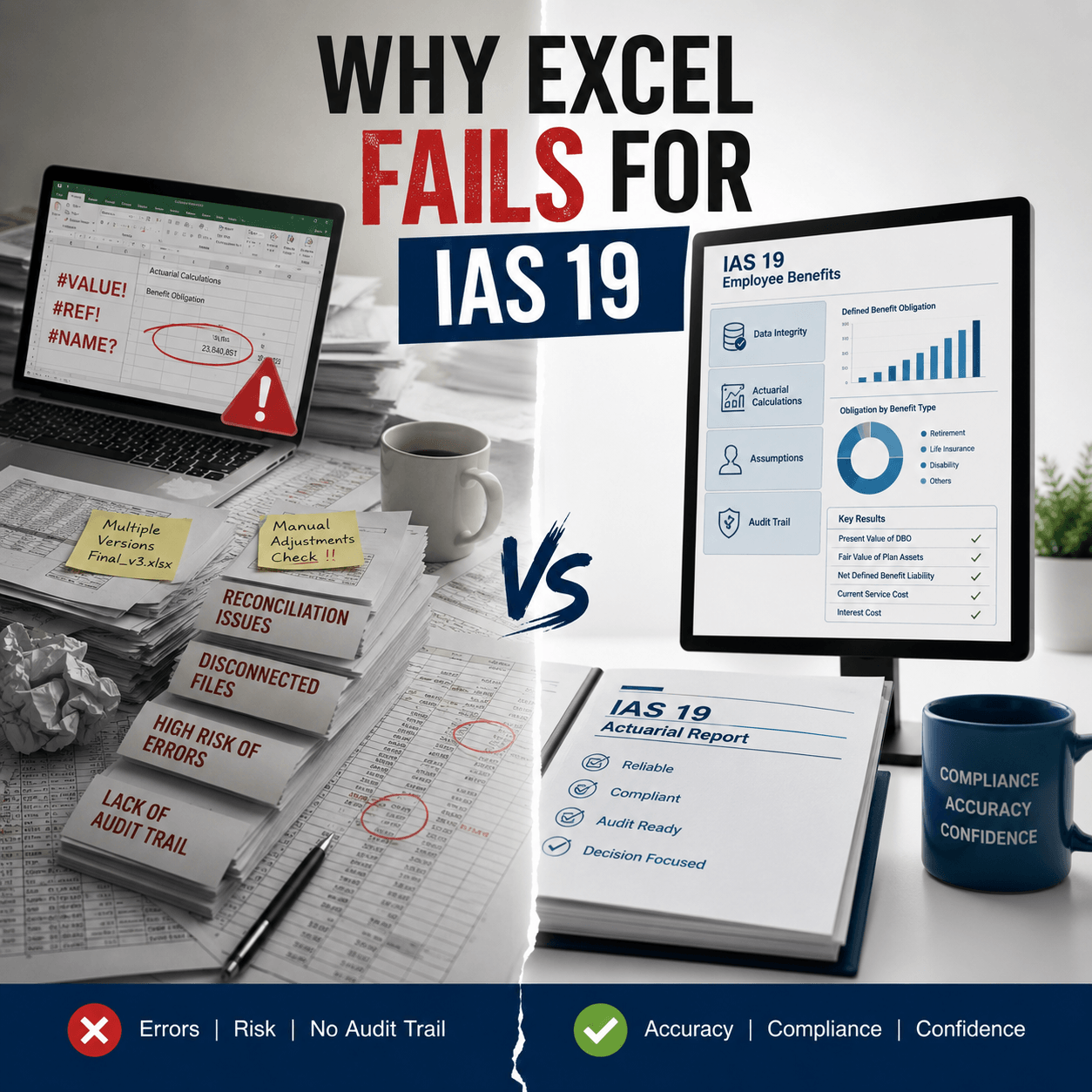
Key Data Inputs for Accurate IAS 19 Valuation
This guide is about IFRS 9, but IAS 19 employee benefit calculations run right alongside it. Both need forward-looking estimates and consistent documentation.
For IAS 19 you need employee census data, salary projections, discount rates, and actuarial assumptions. And just like IFRS 9, managing those inputs by hand in a spreadsheet breeds audit risk and calculation drift.
Plenty of institutions standardise on a shared data platform that feeds both IFRS 9 and IAS 19, which cuts rework and keeps reporting consistent across the board.
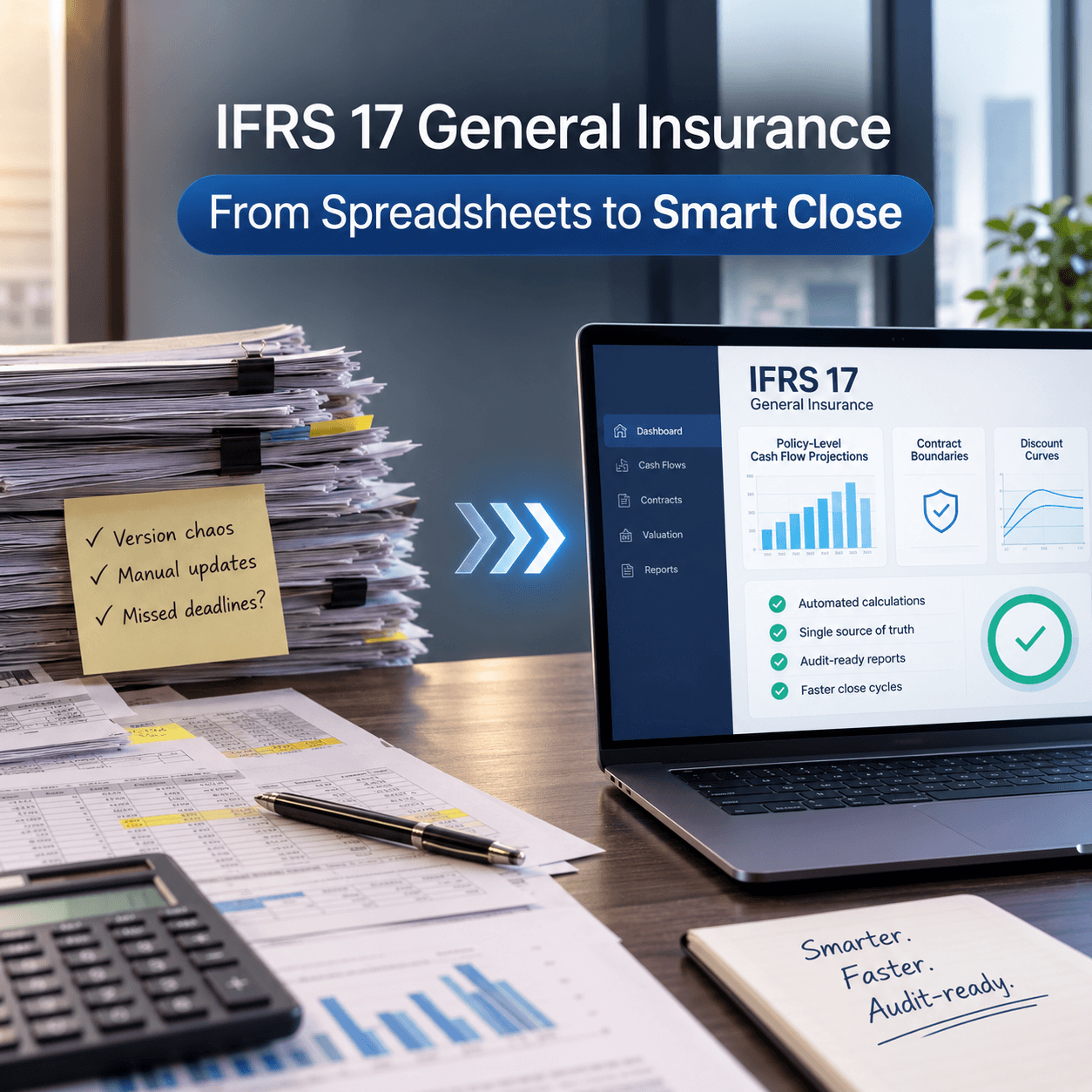
Spreadsheets carried you through the early years of IFRS 9 adoption. Fair enough. But as the book grows and the rules tighten, the operational load and control risk stop being tolerable. Automation is not about adding complexity. It is about buying consistency, speed, and auditability.
The move from spreadsheets to a dedicated IFRS 9 impairment system is no longer optional for any bank that takes risk seriously. Start by auditing your current process, writing down your methodology, and asking whether the spreadsheet still fits the business you actually run. Most teams find out fast that it does not.
Ready to pressure-test your IFRS 9 approach? Talk to the advisory team at Prima Consulting’s IFRS 9 advisory practice about your specific impairment challenges, and see where automation cuts manual effort while tightening control.