TL;DR
Choosing the right IFRS 9 compliance software tools can be the difference between a clean audit and a reporting crisis. This post compares manual, spreadsheet-based ECL processes against automated IFRS 9 platforms across six key metrics: cycle time, error risk, audit trail strength, scalability, regulatory readiness, and long-run cost. You’ll see where manual workflows break down, what automation actually does differently, and how to transition without disrupting your team. Whether you’re still on spreadsheets or actively shortlisting IFRS 9 technology solutions, read this before you decide.
Manual vs Automated IFRS 9 Compliance Software Tools: Which Approach Actually Works?
Your finance team is three days into the quarter-end close.
Someone spots a broken formula in the ECL sheet. Nobody can trace when it changed.
Sound familiar? You’re not alone. IFRS 9 compliance software tools exist precisely to stop this cycle — yet many institutions still run their expected credit loss (ECL) processes on spreadsheets.
That choice carries real risk. This post breaks down what separates manual from automated IFRS 9 compliance software tools, where each approach falls short, and what the data says about which one holds up under regulatory pressure.
IFRS 9 Compliance Software Tools: Understanding the Basics
What Does IFRS 9 Actually Require?
IFRS 9 replaced the old incurred-loss model with a forward-looking ECL framework.
Under this model, institutions must estimate credit losses before they happen, using three stages:
- Stage 1 — performing exposures (12-month ECL)
- Stage 2 — significant increase in credit risk (lifetime ECL)
- Stage 3 — credit-impaired (lifetime ECL, interest on net carrying amount)
Each stage requires inputs like probability of default (PD), loss given default (LGD), and exposure at default (EAD), all tied to forward-looking macro scenarios.
Getting this right consistently is where IFRS 9 compliance software tools come in.
Why the ECL Model Is Hard to Run Manually
The math looks manageable at first. In practice, it isn’t.
PD curves shift with macro inputs. LGD assumptions vary by collateral type. Stage classification depends on policy rules applied to thousands of exposures at once.
Doing all of this in a spreadsheet creates what KPMG’s January 2025 ECL report calls a sub-optimal setup — one where data volumes for PD, LGD, and EAD components make manual computation at each reporting date genuinely unreliable. The report recommends investing in strategic or tactical IT systems instead.
Manual vs Automated: A Direct Comparison of IFRS 9 Compliance Tools
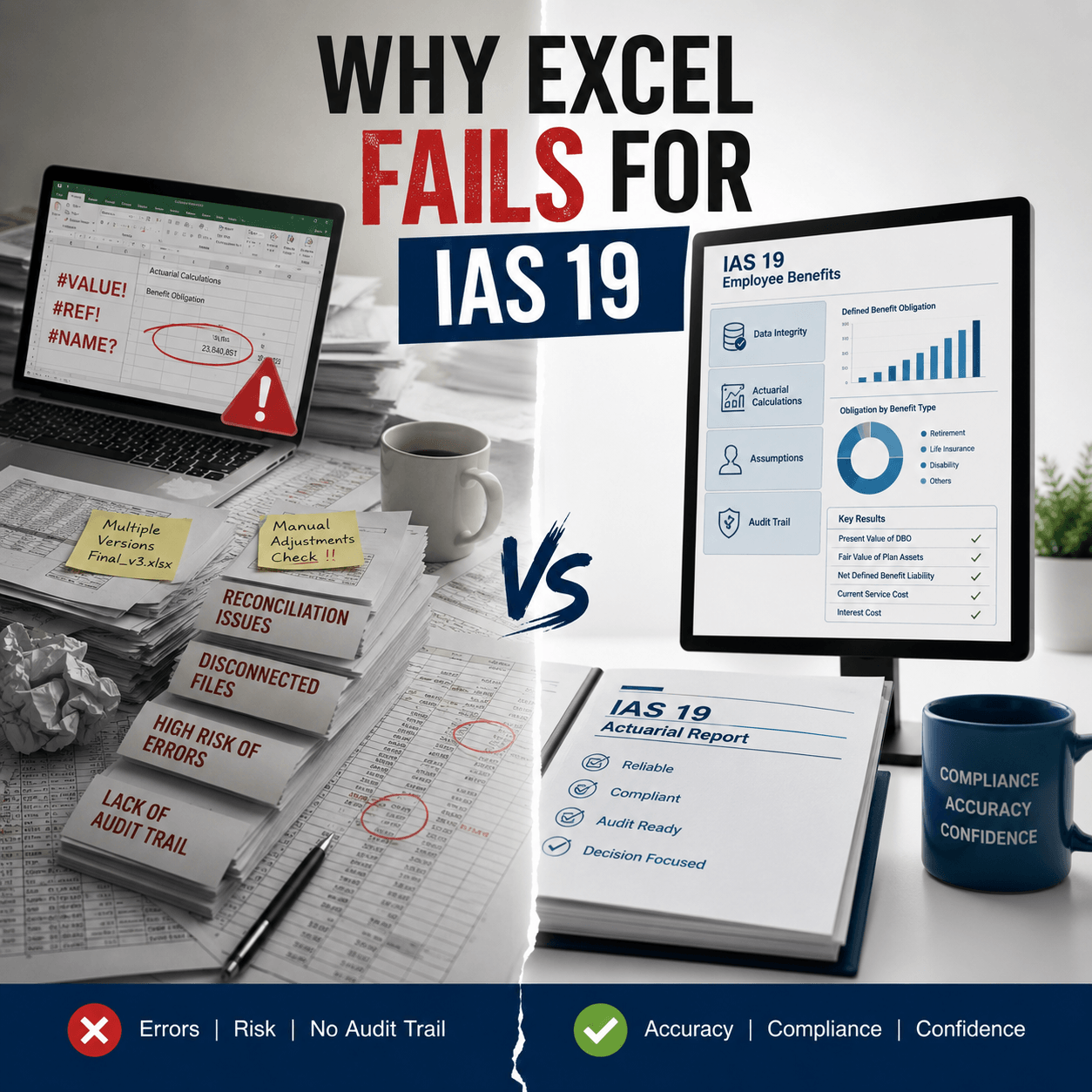
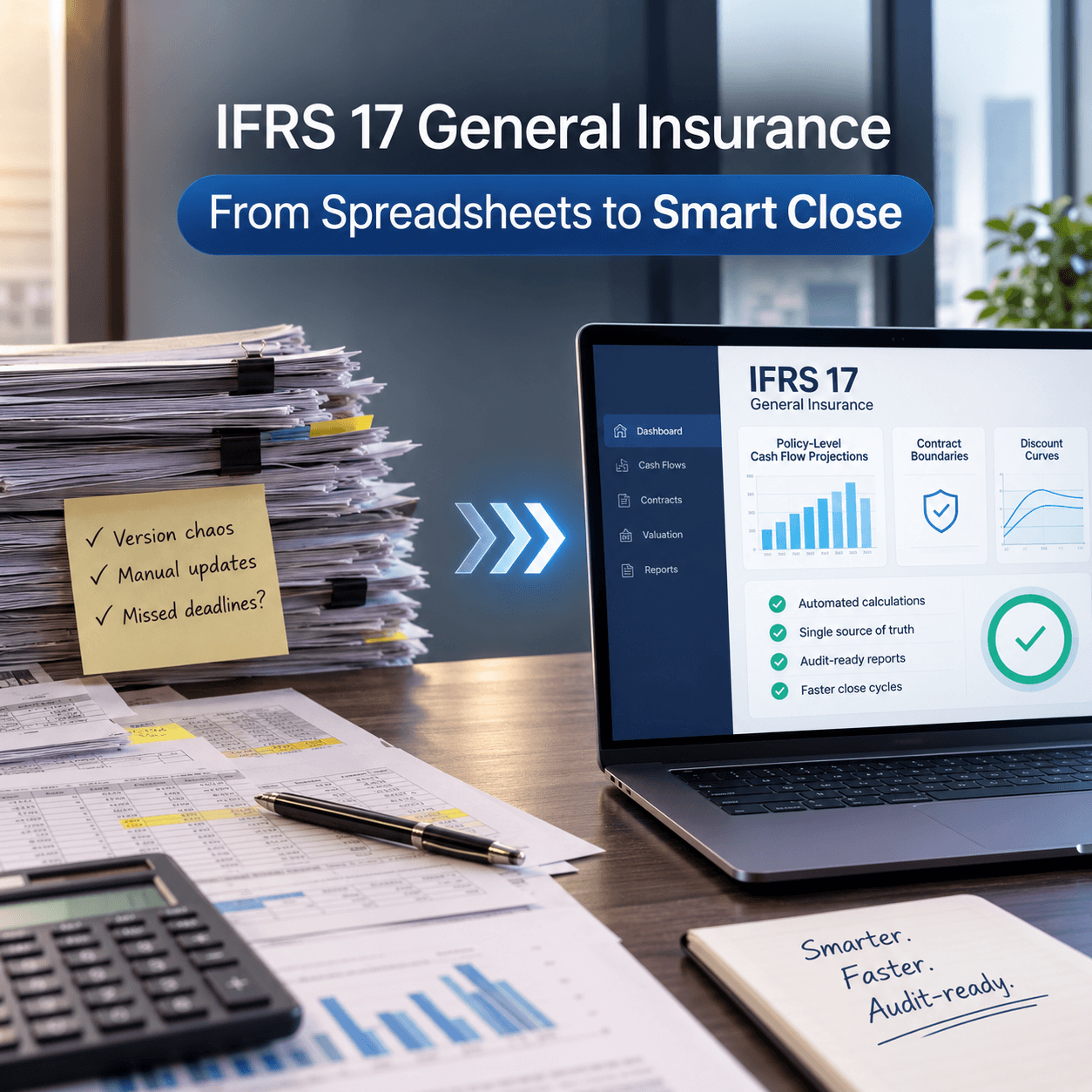
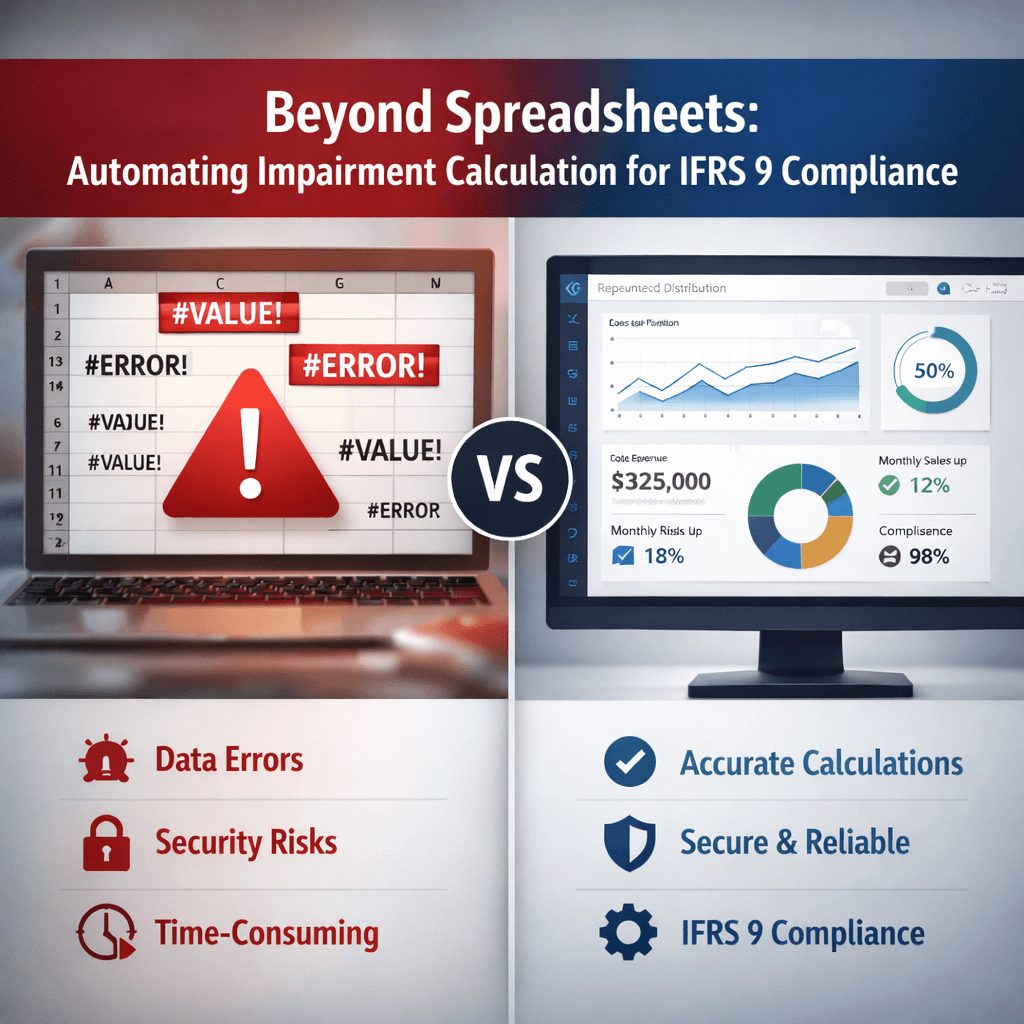
[IMAGE PLACEHOLDER: IN-BODY IMAGE 2] — Suggested image: Side-by-side visual: manual workflow with sticky notes, spreadsheets, and email chains on one side; automated platform with data pipelines, model outputs, and audit logs on the other.
Where Manual Processes Break Down
Manual ECL workflows typically rely on exported data, formula-based spreadsheets, and email approvals.
Here’s what goes wrong:
- Version control fails — teams work on different copies of the same model.
- Formula errors go undetected until reconciliation time.
- Audit trails are thin or non-existent — regulators can’t trace assumptions.
- Macro scenario updates require manual re-entry across multiple files.
- Silo problems grow — risk and finance teams often use inconsistent PD curves.
The 2025 Wolters Kluwer Regulatory and Risk Management Indicator survey found that 88% of U.S. banking respondents still use manual compliance processes — including spreadsheets — often or sometimes. That number increased by 5 points year-over-year, signaling the problem is not shrinking.
What Automated IFRS 9 Compliance Software Tools Do Differently
Automated platforms centralize the entire ECL workflow in one controlled environment.
Instead of exporting data and running formulas, the system pulls exposure data directly from your core banking system, applies the approved model, and writes outputs to your general ledger and disclosure engine.
The practical differences are significant:
- Models are locked and versioned — no unauthorized formula edits.
- PD and LGD curves update from approved inputs, not manual re-entry.
- Every calculation run is logged with timestamps, user IDs, and model version.
- Macro scenarios can be stress-tested at scale without rebuilding the spreadsheet.
- Stage classification runs automatically against policy rules for every exposure.
According to PwC’s 2025 Global Compliance Survey, 82% of executives plan increased investment in technology to automate and optimize compliance, with 49% already automating 11 or more compliance activities. Manual management of compliance is no longer practical at the data volumes institutions handle today.
Manual vs Automated IFRS 9 Tools: Side-by-Side
The table below compares both approaches across the metrics that matter most at reporting time:
|
Criteria |
Manual / Spreadsheet | Automated IFRS 9 Platform |
| Time per reporting cycle | Days to weeks | Hours to one day |
| Formula error risk | High (uncontrolled edits) | Low (locked model logic) |
| Audit trail | Weak or absent | Full versioned log |
| Scalability | Limited by analyst capacity | Handles large exposure volumes |
| Regulatory readiness | Requires manual packaging | Output-ready reports |
| Cost over time | Hidden rework costs accumulate |
Lower long-run cost at scale |
The numbers tell a clear story. Manual workflows carry hidden costs that only surface when something breaks.
How Do Automated IFRS 9 Technology Solutions Handle ECL Calculations?
The Calculation Engine
An automated IFRS 9 platform runs ECL calculations through a configurable model engine.
You set the PD term structure, LGD rates, macro scenarios, and stage-migration rules once. The system applies them uniformly across every exposure in your portfolio on each reporting date.
This matters because consistency is what regulators want. One approved methodology, applied the same way every time, is far easier to defend than a spreadsheet where ten analysts made independent judgment calls.
Integration with Core Banking Systems
Most solutions for IFRS 9 pull data via API or direct connectors from your core banking platform.
That removes the manual export step entirely. It also means the data feeding your ECL model is the same data your risk and finance teams rely on — no reconciliation needed.
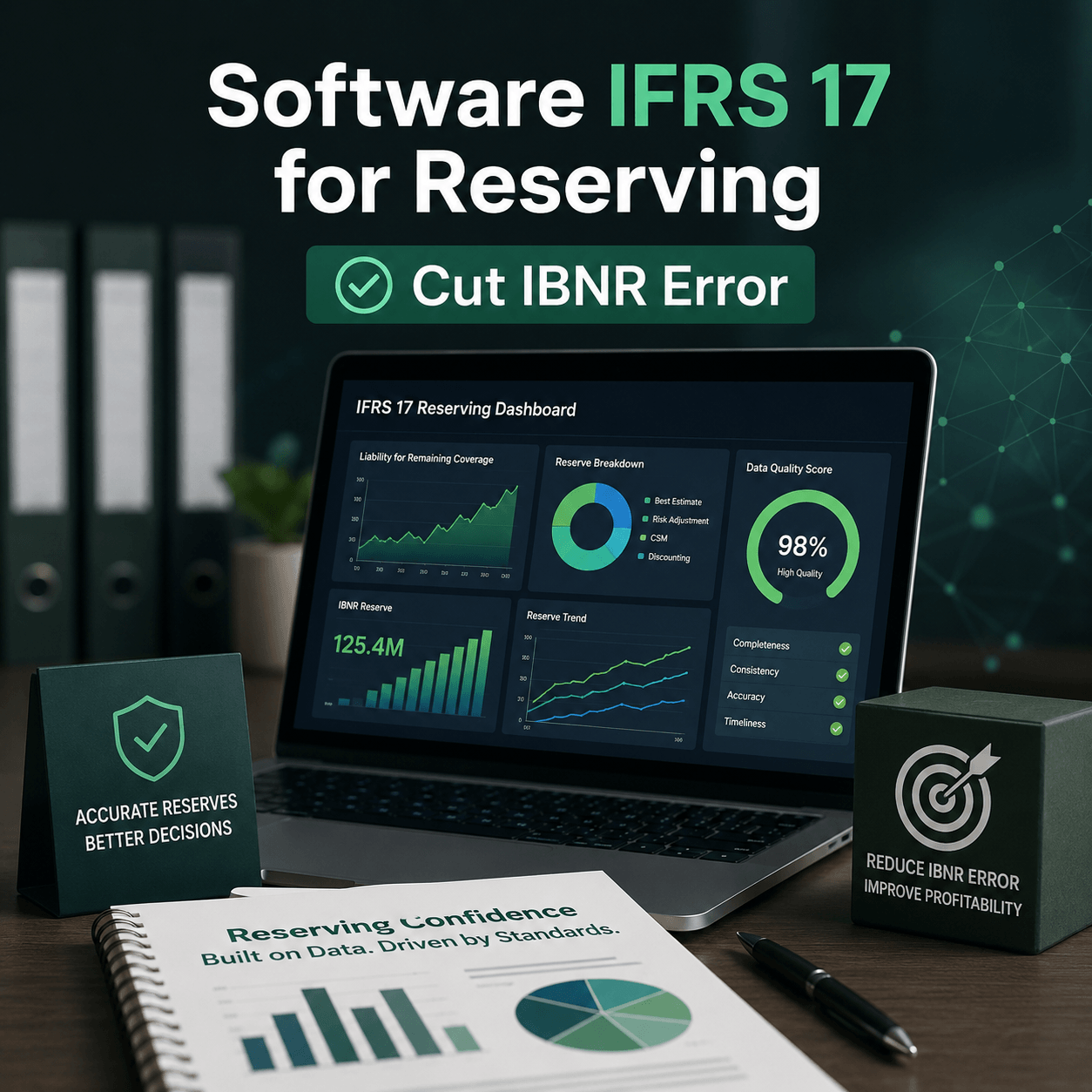
You can read more about Data Quality Risks in IFRS 9 Impairment Modeling Tools to understand how data integrity issues in the input layer affect ECL outputs downstream.
Scenario Analysis at Scale
IFRS 9 requires multiple macro scenarios — typically a base case, an upside, and a downside — probability-weighted to produce the final ECL figure.
In a spreadsheet, running three scenarios means three separate model copies and a manual weighting calculation. In an automated tool, scenarios run in parallel inside the same model, with weighting applied automatically.
That’s a material difference in both speed and reliability.
What Should You Look for in IFRS 9 Compliance Tools Software?
[IMAGE PLACEHOLDER: IN-BODY IMAGE 3] — Suggested image: Checklist-style graphic with icons: database/integration icon, audit log icon, scenario analysis icon, and a governance shield icon — each labeled with a key software selection criterion.
Audit Trail and Version Control
Your IFRS 9 compliance software must log every model run, every input change, and every user action.
That isn’t just good practice — it’s what your auditors and prudential regulator will ask for. If you can’t show a clean trail from raw data to reported ECL figure, you have a control problem.
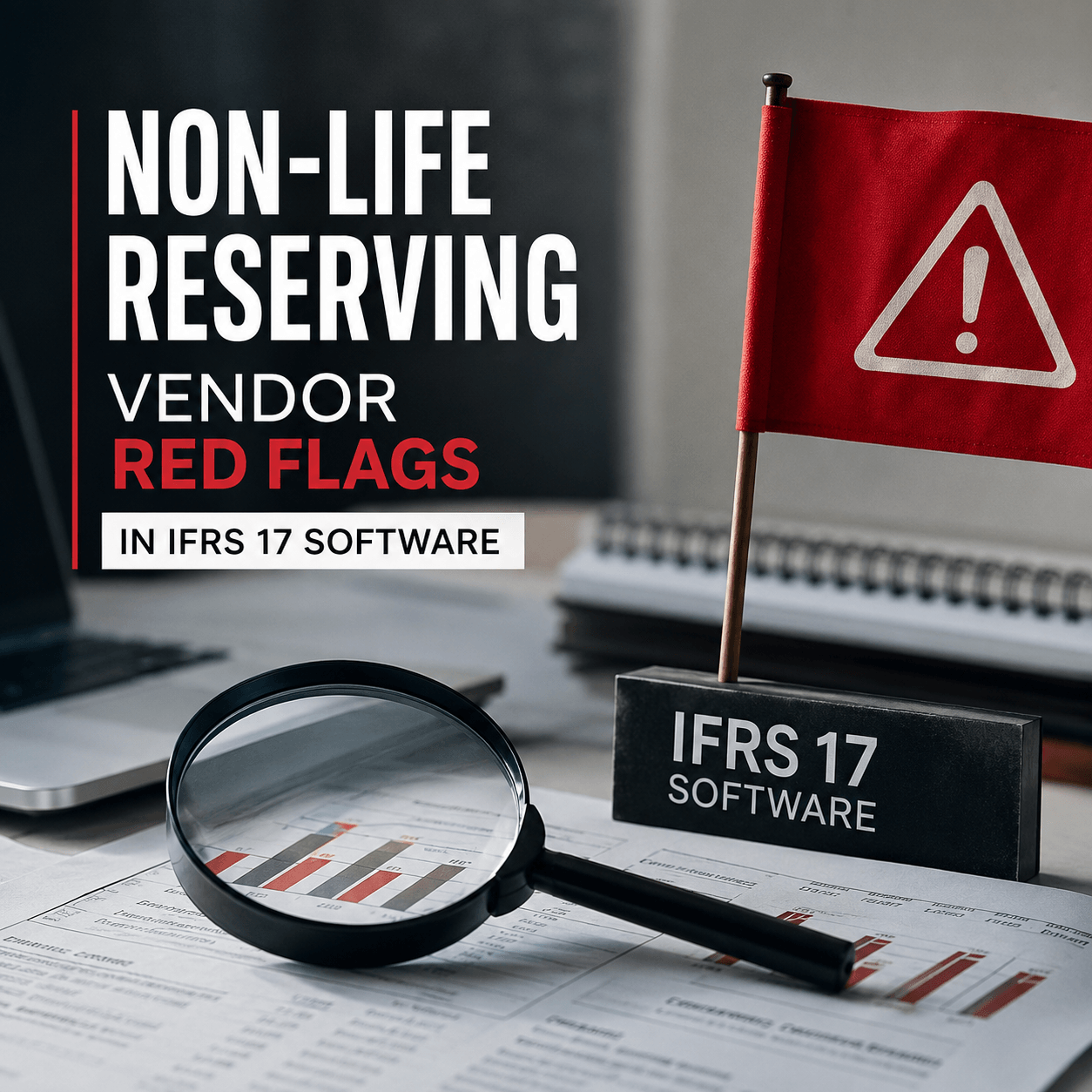
For a practical list of what to watch out for, see Red Flags in Selecting IFRS 9 Solutions for Financial Institutions before you shortlist any vendor.
PD and LGD Model Management
You need a platform that stores and versions your PD curves, LGD assumptions, and EAD models separately from the calculation engine.
This separation means model changes go through a formal approval process before they affect any live ECL run. It also makes it straightforward to explain to regulators exactly which model version drove each set of reported numbers.
Scalability for Your Portfolio Size
A retail bank running hundreds of thousands of individual loan exposures needs a different scale of processing than a corporate lender with a few hundred accounts.
Check that the platform you’re considering has been tested at volumes close to yours. Ask for a load test or reference from a similarly sized institution.
Implementation Timeline and Support
Ask vendors specifically about their implementation timeline for institutions at your data maturity level.
A realistic answer is 3 to 6 months for a well-prepared institution, longer if significant data cleanup is required first. Be cautious of vendors who promise a faster go-live without assessing your data readiness first.
Transitioning from Spreadsheets to Automated IFRS 9 Solutions
Step 1: Assess Your Data Readiness
The biggest implementation risk isn’t the software — it’s the data feeding into it.
Before you go live, map every data input your ECL model needs: counterparty IDs, product types, drawn and undrawn balances, collateral values, days past due, and any existing PD or LGD model outputs.
Gaps here will delay your go-live more than any technical issue.
Step 2: Start With a Pilot Segment
Don’t try to automate your entire portfolio at once.
Pick one portfolio segment — a retail mortgage book or an SME lending book — and run it in parallel with your existing spreadsheet process. Compare outputs line by line. Investigate every difference before signing off.
This parallel-run period is also your best opportunity to build confidence in the new system before decommissioning the old one.
Step 3: Manage the Change Inside Your Team
Finance and risk teams that have run manual ECL processes for years will have questions — and some resistance.
The key is transparency. Show people exactly how the new tool replicates what they were doing manually, and where it improves on it. Document the methodology in plain language so the team owns the model, not just the vendor.
What About Hybrid Models?
Many institutions operate in a transition phase: automated calculation engine, but some manual overlays for Pillar 2 add-ons or expert judgment adjustments.
That’s fine — and it’s realistic. A good IFRS 9 platform supports structured management overlays with their own documentation and approval trail, so the hybrid setup doesn’t reintroduce the control weaknesses you’re trying to move away from.
[IMAGE PLACEHOLDER: IN-BODY IMAGE 4] — Suggested image: Timeline diagram showing a phased transition from manual spreadsheet-based ECL to full automation: Phase 1 data assessment, Phase 2 pilot segment parallel run, Phase 3 full rollout, Phase 4 ongoing monitoring.
FAQs: IFRS 9 Compliance Software Tools
How do we start automating IFRS 9 if we are still spreadsheet-based?
Start with a data inventory. Map every input your current ECL model uses and identify where it comes from.
Then request a data readiness assessment from two or three vendors before committing to a platform. Most reputable IFRS 9 compliance tools software providers will run this assessment as part of a pre-sales process.
What are the key criteria when selecting an IFRS 9 compliance software tool?
Focus on audit trail quality, PD/LGD model management, core banking integration, and the vendor’s track record with institutions at your scale.
Price matters, but total cost of ownership matters more. Factor in the cost of your team’s time for reconciliation and manual re-entry under the current process.
How do we decommission legacy spreadsheets after going live with an automated platform?
Run parallel processes for at least two full reporting cycles before decommissioning.
Document the sign-off criteria clearly: what level of variance between the two outputs is acceptable, and who has authority to approve the cutover. Don’t decommission the old process until your internal audit team has reviewed the parallel-run results.
Can small and mid-sized institutions afford IFRS 9 automation?
Yes — and the cost argument has shifted.
Cloud-based IFRS 9 technology solutions have brought entry-level pricing within reach of smaller institutions. The more relevant question is whether you can afford the ongoing cost of manual processes: analyst time, reconciliation effort, restatement risk, and potential regulatory findings.
How do approaches for IFRS 9 regulatory reporting compliance differ between retail and corporate banking?
Retail banks typically deal with high-volume, homogeneous portfolios where PD models run at a segment level and the main challenge is data processing speed at scale.
Corporate and investment banks manage lower-volume but more complex exposures, where individual counterparty assessments, covenant monitoring, and expert judgment overlays play a larger role. The right platform for each can look quite different, so segment-specific experience from your vendor matters.
The Real Cost of Staying Manual With IFRS 9 Compliance
Manual ECL workflows look cheaper until you add up reconciliation hours, restatement costs, and audit findings.
Automated IFRS 9 compliance software tools change that math. They cut cycle time, lock model integrity, and give regulators a clean evidence trail from data to disclosure.
The 88% of institutions still relying on manual or spreadsheet-based compliance processes are carrying risk that compounds with every reporting cycle.
If you’re at the point of comparing IFRS 9 compliance software tools and want a clear-eyed assessment of where your current process stands, Prima Consulting can help.
Talk to our team at Prima Consulting to assess your IFRS 9 readiness and find the right path forward.