TL;DR
Choosing between spreadsheets and IFRS 9 software solutions means deciding between crisis and process. Manual workflows create error-prone bottlenecks, 1% errors on billion-dollar portfolios cost 10 million in incorrect provisions. IFRS 9 software solutions reduce errors to near 0, enforce consistent rules across all loans, and cut quarter-end close by 1 week through automated data intake, staging, and compliance reporting. ROI is clear: 3 analysts become 1, auditor fees drop 15-25%, and you see payback in year one. The question isn’t whether to automate, it’s whether your bank can afford manual ECL workflows. Compare workflows, costs, and implementation paths designed for your portfolio.
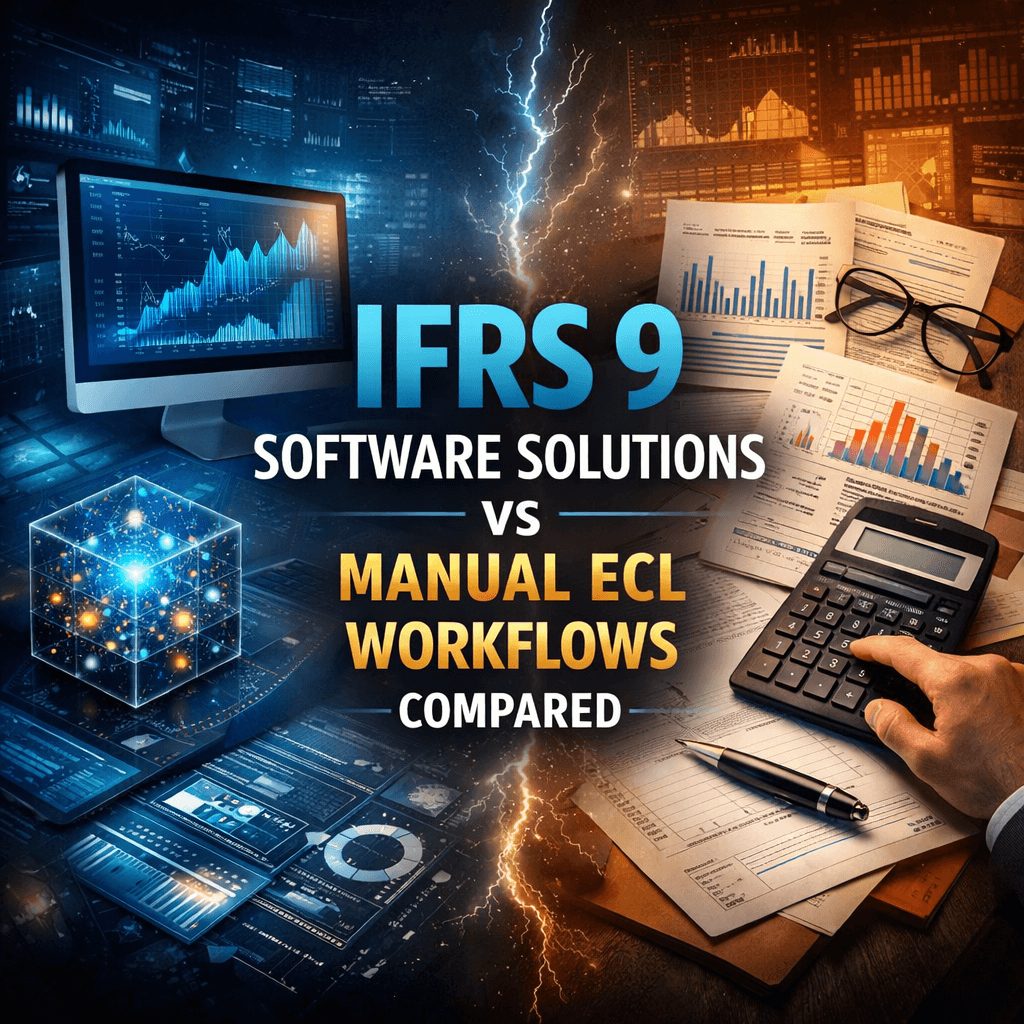
IFRS 9 Software Solutions vs Manual ECL Workflows Compared
When managing expected credit loss calculations, you face a choice: stick with spreadsheets or move to IFRS 9 software solutions. That decision directly impacts your close timeline, audit readiness, and confidence when explaining credit losses.
The gap isn’t just about speed. It’s about control, accuracy, and answering regulatory questions immediately. IFRS 9 software solutions represent a fundamental shift in how you organize credit risk and document compliance.
IFRS 9 Software Solutions vs Manual ECL Workflows
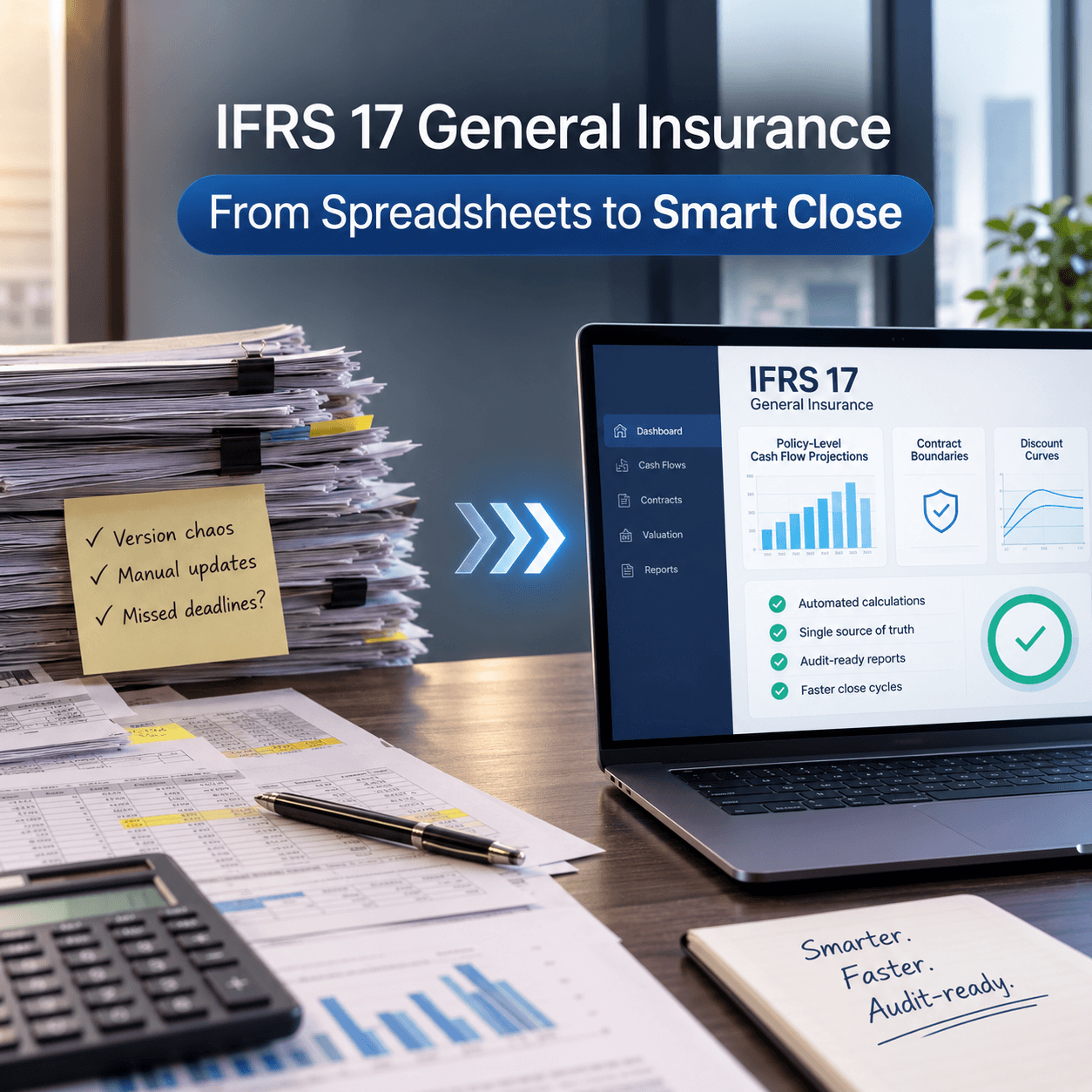
Manual workflows depend on spreadsheets and human review at each step. IFRS 9 software solutions automate the entire chain from exposure data to final disclosures. This difference affects timing, transparency, scalability, and audit confidence.
Key Differences in Control and Accuracy
Manual processes give the illusion of control. When one analyst changes a spreadsheet assumption, the cascade of formula updates becomes impossible to track. You can’t guarantee consistency when logic exists across fifteen tabs.
IFRS 9 software solutions enforce consistency through rules-based calculations. Once you define staging logic, the software applies them uniformly. You define thresholds once and trust the software applies them correctly everywhere.
This consistency matters because manual financial processes typically carry error rates of 1 to 3 percent. For a billion-dollar portfolio, even 1 percent translates to 10 million dollars in incorrect provisions.
Manual processes also slow error discovery. Formula errors might hide for months. IFRS 9 software with built-in validation catches errors immediately and flags them before results go downstream.
Scalability for Growing Data Volumes
Manual workflows hit a ceiling quickly. Moving from 500 loans to 50,000 breaks Excel. Processing times stretch from hours to days. Your team spends more time waiting for calculations than reviewing results.
IFRS 9 software solutions handle portfolio growth without performance degradation. A system built for scalability processes 100,000 loans in the same time a manual process handles 5,000. Banks recognizing this shift are driving real market momentum.
Asia-Pacific’s asset finance software market, modernized by IFRS 9 rules, is projected to grow at 10.7 percent annually from 2025 to 2030. That growth reflects a clear pattern: mid-market banks are moving beyond spreadsheets because they outgrow them.
What Are Automated IFRS 9 Workflows?
An automated workflow starts when exposure data reaches your system. IFRS 9 software solutions pull data automatically, validate it against quality rules, stage loans based on credit deterioration, and calculate expected credit loss across three stages.
Core Components of Automation
Data intake happens continuously through APIs connected to your core banking system. New loans and payment history flow automatically without manual CSV exports.
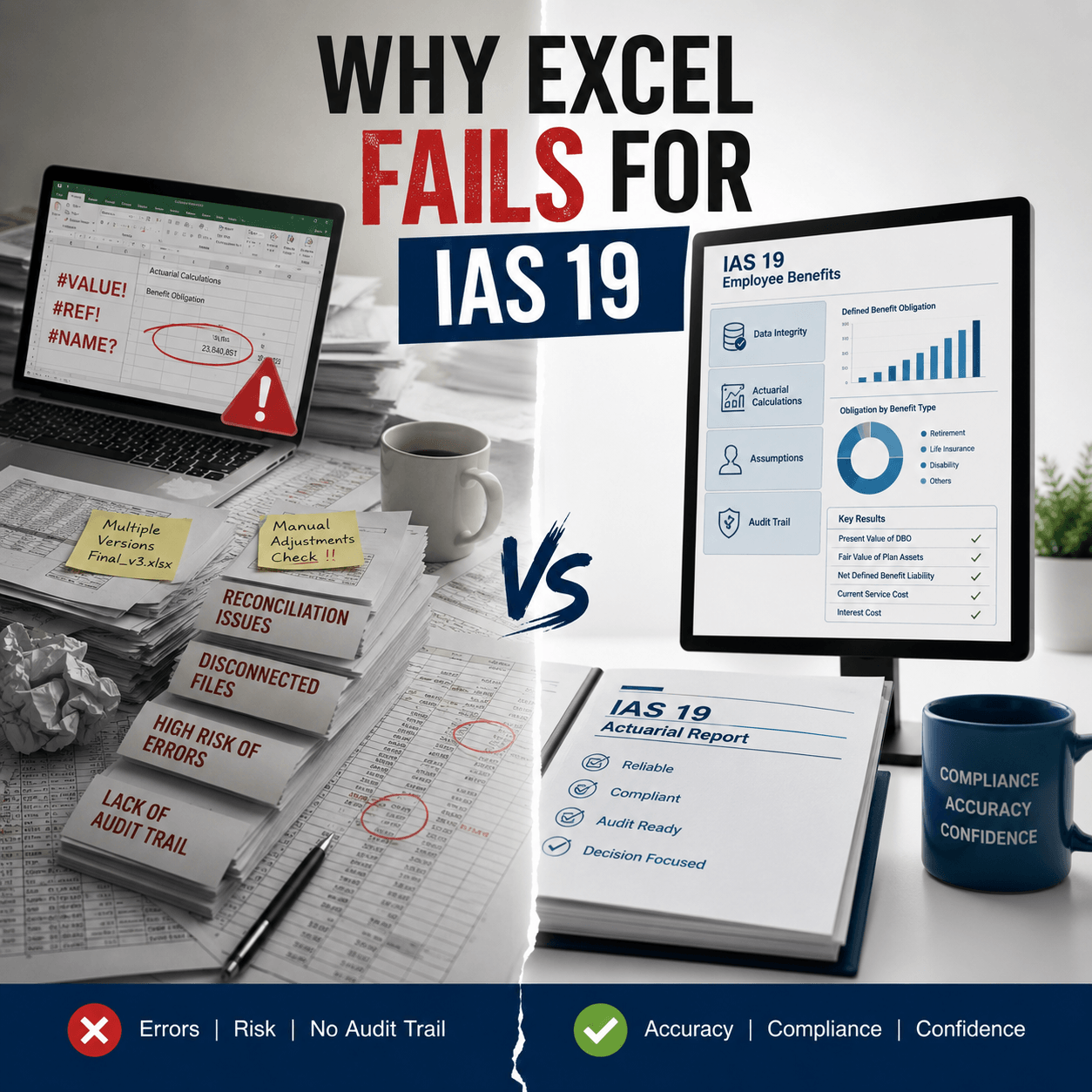
Validation runs in parallel. Bad data gets caught before corrupting calculations. This is where many of the hidden audit risks in IFRS 9 spreadsheets emerge. A spreadsheet lets bad data through silently.
Staging logic applies automatically. A loan moves from stage 1 to stage 2 when days past due exceed your threshold. The software applies this consistently to every loan daily.
Expected credit loss calculation happens in seconds. Probability of default, loss given default, and exposure at default combine with forward-looking assumptions. The software calculates lifetime loss for stage 2 and 3, 12-month loss for stage 1, and effective interest rate adjustments.
Results flow directly to your finance system and disclosure templates automatically.
How Automation Reduces Human Error
Human error in IFRS 9 calculations follows predictable patterns. Analysts miss edge cases. Copy-paste errors corrupt formulas. Manual adjustments for one loan accidentally apply to thousands. Rounding differences cascade. Someone forgets to update an assumption across all categories.
Automation eliminates these patterns. The software doesn’t forget rules. It doesn’t copy incorrectly. It applies logic consistently to every loan, every time.
That consistency creates audit trails. Every calculation step is documented. An auditor can see why a loan moved to stage 2, what assumptions applied, and how effective interest rate was computed. Manual spreadsheets can’t provide that transparency because logic lives scattered across tabs and macros.
How Manual Valuation Workflows Operate
A manual process starts with data exports. IT exports exposure data to CSV. An analyst imports to spreadsheet and calculates. Another reviews output.
A third builds disclosure footnotes. Everyone works in separate tabs. This structure creates the fragmentation that leads to compliance problems.
Spreadsheet Dependency Risks
Spreadsheets carry acute risks. Formulas depend on exact placement. Move a row and formulas break. Version control fails when multiple people edit the same file.
Scalability collapses: a 10,000-loan model takes 20 minutes; 50,000 loans takes hours. Hidden complexity buries calculation logic in formulas nobody fully understands after the original analyst leaves.
Audit and Compliance Limitations
Auditors want documented rules, not spreadsheet formulas. Manual processes create documentation gaps. Compliance trails disappear.
You can’t audit when assumptions were modified or why. Regulatory questions needing data analysis take days with spreadsheets but seconds with software.
Automated vs Manual: Accuracy Compared
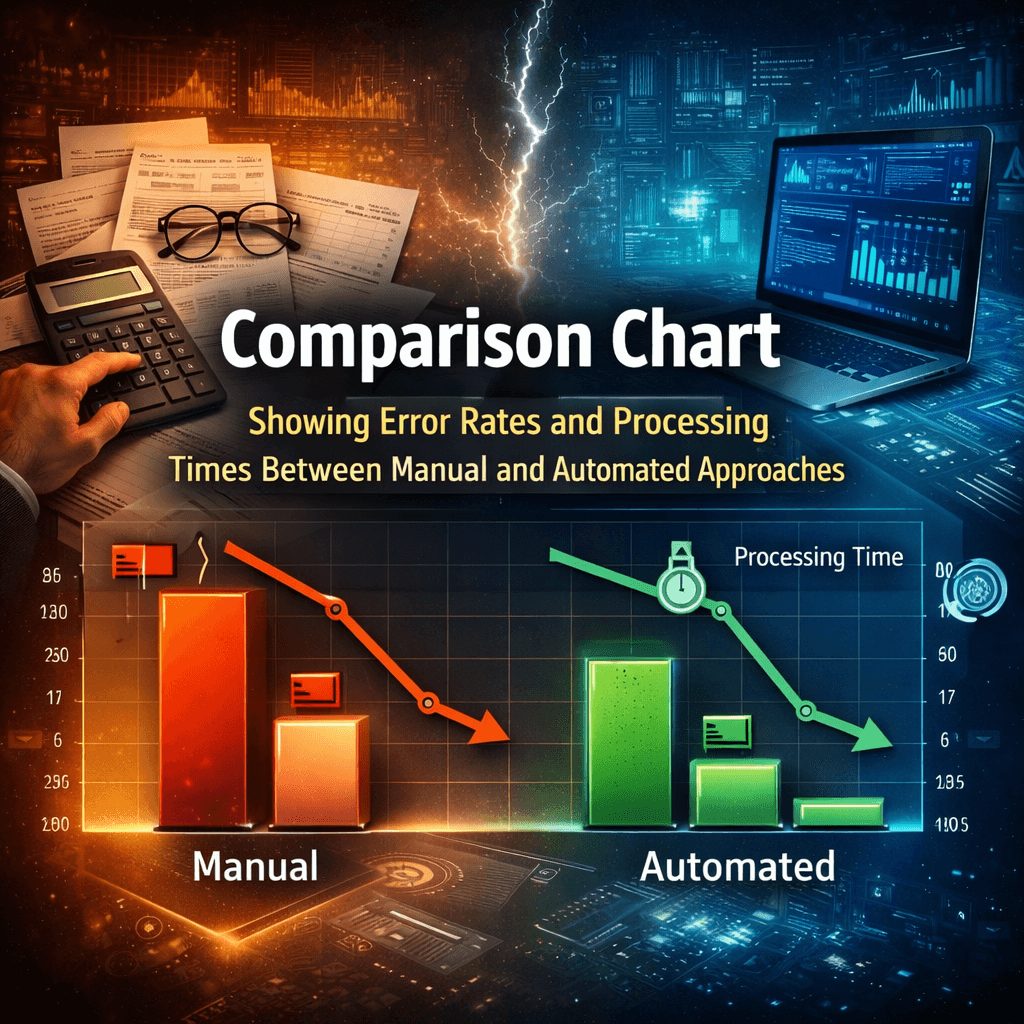
The difference between manual and automated workflows shows up in error rates and consistency. These differences compound across reporting periods.
Error Rates and Data Integrity
Manual financial processes have error rates of 1 to 3 percent. IFRS 9 calculations are complex enough that even 1 percent errors create material impact.
A 1 percent error on a 1 billion-dollar portfolio in credit losses is 10 million dollars in incorrect provisions. That’s material enough to restate financials.
IFRS 9 software solutions reduce calculation errors to near zero. The software doesn’t make arithmetic mistakes or apply wrong formulas.
Data quality errors still happen but get caught by validation rules before corrupting results. When you’re evaluating specific IFRS 9 ECL software solutions, that difference in error rates at scale matters.
A spreadsheet catching 99 percent of errors seems reliable until you run it on 50,000 loans. Suddenly 500 loans have wrong calculations. An auditor finds three and extrapolates the problem across your portfolio. That extrapolation becomes an audit finding.
Consistency in Financial Reporting
Manual processes struggle with consistency between quarters. One quarter your team interprets forward-looking guidance one way. Next quarter a new analyst interprets it differently. Comparative numbers shift for no reason other than changing interpretation. That inconsistency flags auditor concerns every time.
Software solutions enforce consistency by design. The same rules apply every period. If your unemployment assumption was 4.5 percent in Q1, the software uses 4.5 percent in Q1 every year unless you explicitly change it. That creates comparable reporting and prevents restatements from methodology drift.
Cost and Efficiency Breakdown
The decision between manual and automated isn’t just about accuracy. It’s about the hidden costs of manual processes that creep into your operating budget unnoticed.
Hidden Costs of Manual Processes
A spreadsheet-based process looks cheap until you add up true costs. Analyst time is the biggest cost. Manual processes require two to three analysts working three to four weeks each quarter.
That’s 250 to 500 hours per quarter at loaded rates of $50,000 to $100,000 quarterly or $200,000 to $400,000 annually. That’s substantial money for a process you think is free because Excel is free.
Auditor fees increase with manual processes. Your auditor charges 20 to 30 percent more for spreadsheet-based processes than automated ones because the controls are weaker. That adds $30,000 to $50,000 per year in audit fees alone.
Risk costs exist beyond team salaries. When spreadsheet errors create restatements, costs extend beyond finance salaries.
Regulatory fines for calculation errors reach hundreds of thousands. Liability from incorrect financial statements extends to shareholder litigation. A single restatement can cost more than years of software subscriptions.
ROI of Automation Tools
IFRS 9 software typically costs $30,000 to $75,000 per year. That investment pays back through three clear channels.
First, analyst time reduction: Software reduces manual work by 80 to 90 percent. Three analysts become one data quality analyst and one IFRS 9 analyst.
You save $200,000 to $300,000 in salary costs annually. That’s not theoretical. That’s headcount you can redeploy to higher-value work like forward-looking scenario analysis and credit strategy.
Second, faster close cycles: Automated calculations finish in hours. Your finance team completes quarter-end close one week earlier.
That faster timeline matters for treasury operations and financial planning. Earlier close means earlier access to financial data for decision-making.
Third, lower audit costs: Better controls and complete audit trails reduce auditor fees by 15 to 25 percent. That’s $20,000 to $50,000 per year. Over three years, that’s $60,000 to $150,000 in cumulative audit savings.
The math is straightforward. Over three years, software costs of $90,000 to $225,000 are offset by salary savings of $600,000 to $900,000, faster closes, and reduced audit fees.
When you’re deciding whether to build your own solution or buy existing software, a detailed build vs buy IFRS 9 software TCO analysis shows that positive ROI happens in year one.
Compliance and Audit Readiness
Auditors and regulators care less about your tool and more about controls and documentation. That distinction matters for how you think about the choice.
Regulatory Alignment Benefits
IFRS 9 compliance means transparent, forward-looking expected credit loss calculations. Banks report IFRS 9 to central banks, deposit insurers, and capital regulators. They’re scrutinizing your methodology and your numbers.
Manual processes make regulatory reporting difficult because you can’t easily explain how specific loans were classified or why assumptions changed. You’re rebuilding explanations for every regulatory query. That reactive posture creates the impression of weak controls.
An automated IFRS 9 solution, by contrast, creates a complete audit trail that satisfies regulatory expectations immediately. Regulators see calculation logic, assumptions applied, and data used.
That transparency reduces regulatory scrutiny by demonstrating effective controls. When a regulator asks a question about your process, you don’t say “Let me ask the analyst.” You run a report that shows exactly what you did.
Automated processes also adapt faster to regulatory changes. When regulators update guidance on forward-looking information or change portfolio classification rules, you update the software once.
All 50,000 loans reflect the change immediately. A manual process requires retraining analysts and hoping they apply guidance consistently.
Documentation and Traceability
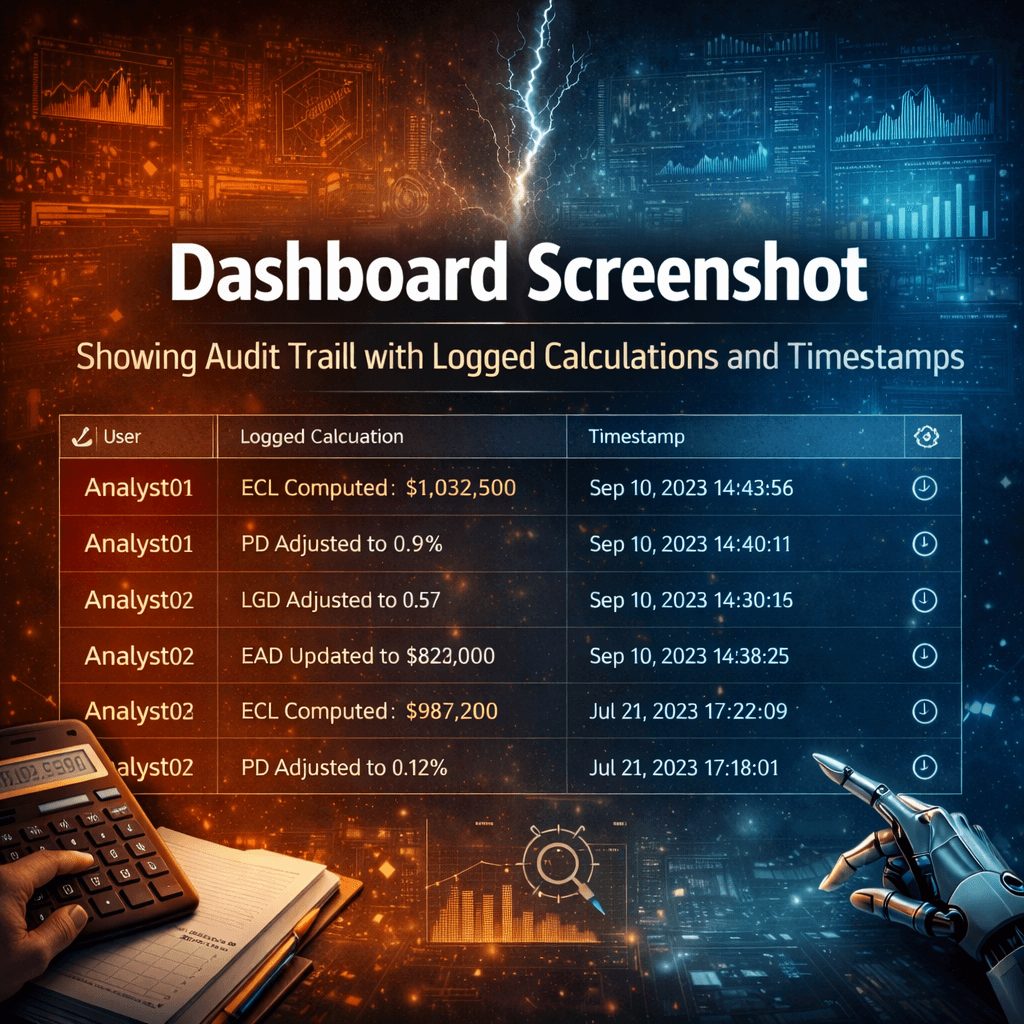
Software-based audits are faster and cheaper because documentation is automatic. Every calculation is logged with timestamp, user ID, and input data. An auditor traces a provision back to exposure data and staging rules. That traceability is built in.
Regulatory reports are automatic too. Documentation also protects your bank. If a provision is challenged in a regulatory examination, you show exactly why you classified a loan that way, what assumptions applied, and what guidance existed when you made that decision. That defense only exists with complete, automatic documentation.
When regulators ask about hidden audit risks, they’re often pointing to the exact vulnerabilities that spreadsheets create: weak documentation, inconsistent application, and audit trails that don’t exist.
Risk Management and Controls
IFRS 9 calculations are risk management tools. Poor calculations hide credit problems. Transparent calculations help you manage risk better.
Automated solutions enforce clear rules for stage transitions and loss assumptions consistently. The system provides real-time visibility so your chief risk officer sees credit metrics daily.
Software prevents double counting errors by evaluating each facility once and assigning one stage classification and one loss provision.
Implementation Challenges and Solutions
Moving from manual to automated has real challenges. Understanding them upfront prevents surprises.
Data Quality Preparation
The biggest challenge is data quality. Your software depends on clean data. Before implementation, conduct data quality review and identify missing fields. Map loan types to IFRS 9 segments—different types have different forward-looking risk drivers.
Change Management Best Practices
Implementation requires change management. Analysts work differently with new software. Invest in training and let teams test on sample data. Clarify roles: one person owns IFRS 9 administration, one owns data quality, one owns forward-looking assumptions.
Plan cutover carefully. Run manual and software calculations in parallel for one period, reconcile results, then switch.
When Should You Automate?
Consider automation if manual IFRS 9 takes more than 100 hours per quarter. Consider if your portfolio is growing. A process working for 5,000 loans often breaks at 25,000. Consider if audit findings point to IFRS 9 issues or if you’re adding analytics capabilities.
Your process has outgrown Excel when calculations take 30 minutes or more, when you can’t add loan types without extensive testing, or when teams argue about spreadsheet versions.
Common Questions About IFRS 9 Software Solutions
What is ECL (Expected Credit Loss) under IFRS 9?
Expected credit loss is your forward-looking estimate of credit losses on your portfolio. IFRS 9 requires you to recognize ECL based on three stages: stage 1 (initial recognition), stage 2 (significant credit deterioration), and stage 3 (defaulted loans). Automated software calculates this continuously rather than waiting for month-end, catching credit problems faster.
What are IFRS 9 software solutions?
IFRS 9 software solutions automate your expected credit loss calculations from data intake through final reporting. They pull data from your core banking system, validate quality, stage loans automatically, calculate ECL using PD/LGD/EAD inputs, and generate audit trails—all without manual spreadsheets or human error.
What is IFRS 9 ECL software and how does it work?
IFRS 9 ECL software automates the entire expected credit loss workflow. It connects to your banking system via API, applies your staging rules consistently to every loan, calculates lifetime loss for stage 2 and 3, calculates 12-month loss for stage 1, and produces results ready for your finance system and regulatory reports. You define rules once; the software applies them correctly to every loan, every time.
How do IFRS 9 software solutions calculate PD, LGD, and EAD?
PD (probability of default) measures risk that a loan defaults. LGD (loss given default) measures how much you lose if it defaults. EAD (exposure at default) measures the balance owed at default. Software ingests these inputs from your data, applies forward-looking assumptions (macroeconomic scenarios, unemployment rates, etc.), combines them mathematically, and generates expected credit loss without rounding errors or missed adjustments.
How does IFRS 9 compliance software help with regulatory reporting?
Compliance software creates complete audit trails documenting every calculation—why loans moved to stage 2, what assumptions applied, how effective interest rate was computed. Regulators see transparent logic and consistent application. When they ask questions, you run a report showing exactly what you did, not rebuild explanations from spreadsheets.
How does an automated ECL model work under IFRS 9?
An automated ECL model ingests loan data daily via API, validates data quality, applies staging rules consistently, calculates loss across three stages, adjusts effective interest rates, and produces results. Manual models do this quarterly or monthly in spreadsheets. Automated models work continuously, flagging problems immediately rather than months later.
What is the SICR 30-days past due backstop rule?
SICR (significant increase in credit risk) determines when a loan moves from stage 1 to stage 2. IFRS 9 includes a rebuttable presumption that 30 days past due indicates SICR. Software applies this automatically to every loan daily. Manual processes apply it unevenly depending on analyst interpretation, creating consistency problems auditors flag.
How does IFRS 9 differ from IAS 39?
IAS 39 recognized impairment only when credit losses occurred. IFRS 9 recognizes expected credit losses upfront based on forward-looking information. IFRS 9 is more conservative, requires more judgment on macroeconomic scenarios, and demands better documentation. Software helps you manage this complexity consistently across your portfolio.
What are the top IFRS 9 ECL software providers?
Multiple vendors offer IFRS 9 ECL solutions. When evaluating, look for API-native design (connects to core banking systems automatically), 90-day implementation (you’re not waiting months to go live), PD/LGD/EAD transparency (you can see and challenge assumptions), and integration with major platforms (Temenos, Flexcube, Finacle, SAP, Oracle). Your choice should depend on your portfolio complexity and internal capability.
How do forward-looking assumptions work in IFRS 9 ECL calculations?
Forward-looking information incorporates multiple economic scenarios and macroeconomic factors into your ECL calculations. Instead of using only historical loss data, IFRS 9 requires you to consider future conditions: unemployment rates, interest rate forecasts, GDP growth, industry trends. Software applies multiple macroeconomic scenarios automatically, weighting them by probability, so your ECL reflects expected economic conditions, not just past performance.
What is the timeline for implementing IFRS 9 software?
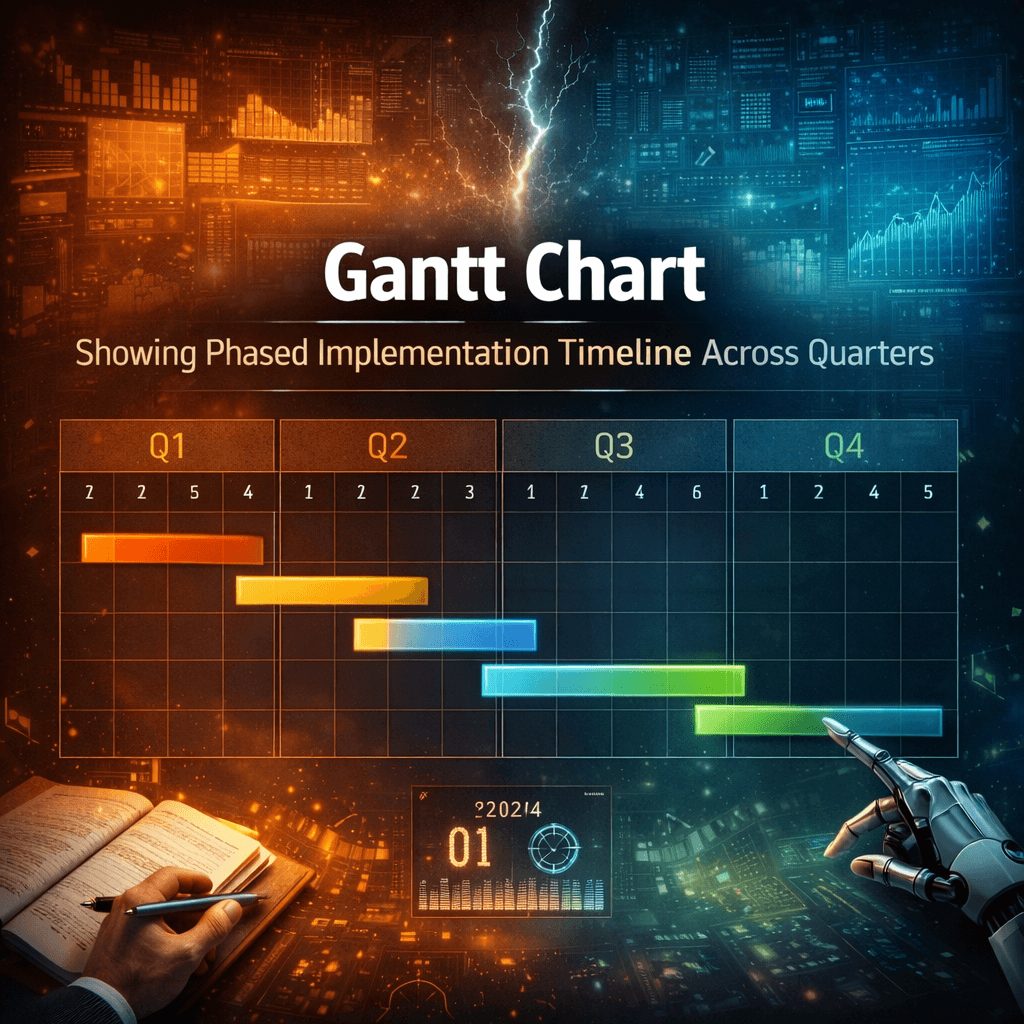
Implementation timelines vary. Vendors typically deliver in 90 days if data is clean and your team is committed. Before go-live, conduct data quality review, map loan types to IFRS 9 segments, define staging rules, document forward-looking assumptions, and train your team. Phased approaches—running manual and software in parallel for one period—reduce risk and build team confidence. Most banks see positive ROI within the first year through analyst time savings and reduced audit fees.
Should I automate my IFRS 9 process or keep it manual?
Consider automation if manual IFRS 9 takes more than 100 hours per quarter, your portfolio is growing faster than spreadsheets can handle, audit findings point to IFRS 9 control issues, or you want to add analytics capabilities. Automation pays back in year one through analyst time savings and lower audit fees. The real question isn’t whether to automate—it’s whether your bank can afford to keep doing it manually. Software solutions eliminate errors, enforce consistency, and satisfy regulators with transparent audit trails.
Is Automation Suitable for Small Teams?
Yes. IFRS 9 software scales for all team sizes. A three-person team benefits from software. Small teams use templates and fewer customizations.
How Secure Are Automated Tools?
Providers should have SOC 2 Type II certification, regular audits, and role-based controls. Confirm data encryption in transit and at rest.
What Skills Are Required?
IFRS 9 software requires less specialized knowledge than complex spreadsheets. Plan for one IFRS 9 specialist and one data analyst. Vendors provide training.
Moving Forward with Confidence
The choice between manual and automated IFRS 9 isn’t about tools. It’s whether your close is a crisis or a process.
Manual workflows work for small portfolios. They don’t scale. They don’t satisfy auditors, create stress every quarter.
IFRS 9 software solutions remove that stress. They automate mechanical work so analysts focus on judgment, create audit trails satisfying regulators. They scale with portfolio growth.
Consider whether your bank is ready to move beyond spreadsheets. The global IFRS 9 compliance software market will reach USD 5.48 billion by 2033, driven by mid-market banks recognizing automation as essential.
Understanding how to build a complete IFRS financial reporting solution across your entire function, not just ECL requires thinking beyond individual calculations. An IFRS 9 solution typically shows positive ROI within the first year.
If your close timeline creates stress, auditors have raised control concerns, or portfolio grows faster than manual processes can handle, automation deserves a conversation with a trusted vendor.
Ready to explore how IFRS 9 solutions can transform your bank’s process?
When evaluating options, it helps to understand the full landscape. Our guide on build vs buy IFRS 9 software TCO breaks down total cost of ownership for both approaches.
You can also learn more about specific IFRS 9 ECL software solutions tailored to your portfolio structure.
To understand the specific vulnerabilities in your current process, explore the hidden audit risks in IFRS 9 spreadsheets.
Finally, for a comprehensive overview of how to approach your entire financial reporting function, review our IFRS financial reporting solution framework.
Our team at Prima Consulting can walk you through implementation approaches at Prima Consulting.